requests + BeautifulSoup vs a scraping API: when DIY is enough
For static sites with no anti-bot, requests and BeautifulSoup cost zero and work fine. Here is exactly where that stops being true.
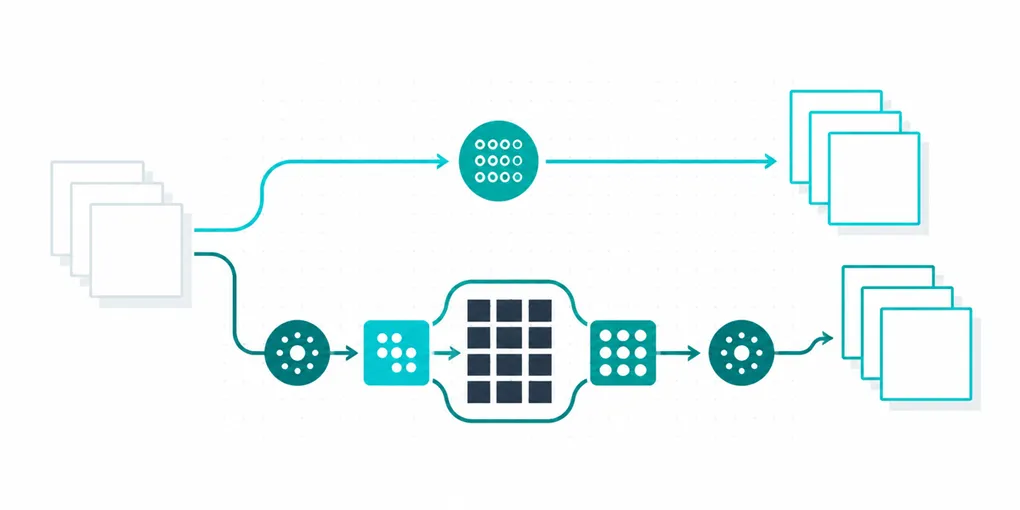
There is a version of this post that tries to sell you an API for a problem requests and BeautifulSoup already solve. This is not that post. If the site you are scraping is static HTML with no anti-bot in front of it, the DIY route costs nothing and works fine, and you should not pay for anything to do it.
When DIY is genuinely enough
Say so plainly: for a static page, a script, and an infrequent job, this is the whole solution.
import requests
from bs4 import BeautifulSoup

resp = requests.get("https://example.com/products", timeout=30)
resp.raise_for_status()

soup = BeautifulSoup(resp.text, "html.parser")
for card in soup.select(".product-card"):
    name = card.select_one(".product-name").get_text(strip=True)
    price = card.select_one(".price").get_text(strip=True)
    print(name, price)
No dependencies beyond two well-known libraries, no proxy bill, no credits spent. This is correct for: a site that renders full HTML server-side, no CAPTCHA or IP-based blocking after a few requests, and a job you run occasionally rather than continuously against thousands of URLs. A one-off script for a class project, an internal tool that checks a handful of pages a day, a personal price-watch on a couple of product pages: all of this is DIY territory, and adding an API in front of it is pure overhead.
Where it stops working
Four things break this setup, and they break independently, which is why “just add proxies” or “just add a wait()” only ever patches one symptom:
Anti-bot. Cloudflare challenges, PerimeterX, rate limiting that escalates to a CAPTCHA or a flat 403 after a handful of requests. requests has no browser fingerprint, no cookie jar behavior that matches a real session, and no way to solve a challenge. This is not a headers problem you fix by copying a User-Agent string; sites that care about this specifically detect the absence of a real browser.
JS rendering. If the data you want is injected by JavaScript after the initial HTML loads (a React or Vue app, content loaded via a background XHR call, infinite scroll), resp.text simply does not contain it. BeautifulSoup parses what the server sent, not what the browser would render. This is the single most common reason a working scraper returns empty results overnight: the site did not change its blocking, it changed its rendering.
Scale. A dozen pages a day is a script. Ten thousand pages a day is infrastructure: concurrency management, retry logic, a proxy pool sized to the request volume, monitoring for ban rates creeping up. None of that is hard individually, but together it is a small piece of infrastructure you now own and have to keep running.
Maintenance. Selectors rot. A site redesign changes .product-card to .product-tile and your parser silently returns nothing, or worse, returns the wrong field mapped to the right name. This is the cost that does not show up in the first week and never fully goes away.
The decision table
| Signal | DIY (requests + BeautifulSoup) | Scraping API |
|---|---|---|
| Static HTML, no blocking, low volume | Yes | Overkill |
| Occasional / one-off job | Yes | Overkill |
| Site returns 403/CAPTCHA after a few requests | No | Yes (premium=true) |
| Content loaded via JavaScript after page load | No | Yes (dynamic=true) |
| Thousands of pages, unattended, on a schedule | Painful to own | Yes |
| Parser needs to survive redesigns without you noticing | No guarantee either way | Structured JSON fields reduce (not eliminate) this |
When you cross the line
On FastAF, /scrape costs 1 credit for a static page, exactly the case above but without you running the request yourself:
import requests

API_KEY = "faf_live_..."

resp = requests.get(
    "https://api.fastaf.co/v1/scrape",
    params={"url": "https://example.com/products"},
    headers={"Authorization": f"Bearer {API_KEY}"},
    timeout=60,
)
resp.raise_for_status()
The same call with dynamic=true (5 credits) renders the page with a real browser first, so JavaScript-injected content is present in the response. premium=true (10 credits) routes through a residential network for sites that block on IP reputation. Both together (25 credits) cover a JS-rendered page that also needs to look like a real residential visitor, which is the hardest and most expensive combination and should be reached for only when the site actually requires it.
The point of the credit tiers is that you pay for exactly the problem you have. A static page never needs to cost more than 1 credit, and paying for premium=true on a site with no anti-bot is money spent on a problem you do not have.
The short version
Start with requests and BeautifulSoup. It is free and it is enough for a large share of scraping tasks. Reach for an API specifically when you hit one of the four failure modes above, anti-bot, JS rendering, scale, or a maintenance burden you do not want to own, and pay per URL for exactly that problem rather than building a proxy pool and a parser-maintenance habit around it. The free tier gives you 500 credits with no card if you want to test where your actual targets land on that table.