Getting Google's AI Mode answer and its sources over an API
The composed answer and the pages it cites, as JSON, and why the wording is Google Search AI Mode output that can change between two identical calls. Tested August 2026.
You want the answer Google’s AI Mode gives for a query, together with the sources it points to, over an API instead of a browser: grounding your own agent in what Google currently tells people about a topic, or checking that wording before it shows up in a support ticket or a competitor’s screenshot.
What this actually is
/v1/ai returns Google’s AI Mode answer, the composed text and the sources behind it for a query. It is not FastAF’s summary of anything. Two things follow. First, the wording belongs to Google: if you show it to a user, present it as Google’s answer, not as text you generated. Second, it can change between two calls with the identical query, because that’s how the underlying answer behaves; ask the same question an hour apart and you may get different phrasing or a different set of sources, with nothing wrong on our end.
The request
A call takes the query itself plus optional country, language and location if you need the answer as it would appear for a specific market.
The answer and its citations, from the same JSON
The answer text isn’t one field, it’s a list of text_blocks, each a paragraph, a heading, or a bulleted list, and the links cited inline sit inside those blocks next to the text they support:
import requests

API_KEY = "faf_live_..."  # your FastAF key

resp = requests.get(
    "https://api.fastaf.co/v1/ai",
    params={"query": "what is a web scraping api"},
    headers={"Authorization": f"Bearer {API_KEY}"},
    timeout=60,
)
resp.raise_for_status()
data = resp.json()

answer_lines = []
citation_links = []

for block in data["text_blocks"]:
    if block["type"] == "paragraph":
        answer_lines.append(block["snippet"])
        citation_links += [l["link"] for l in block.get("links", [])]
    elif block["type"] == "heading":
        answer_lines.append(f'\n{block["text"]}')
    elif block["type"] == "list":
        for item in block["items"]:
            answer_lines.append(f'- {item["snippet"]}')
            citation_links += [l["link"] for l in item.get("links", [])]

answer = "\n".join(answer_lines)
sources = data["references"]

print(answer)
print(f'{len(sources)} sources cited, {len(citation_links)} inline citation links')
We ran this for “what is a web scraping api” while writing the post (August 2026). The answer came back as seven blocks (three headings, two paragraphs, two bulleted lists) with 12 links embedded directly in the block text, and a separate references list of 11 sources, a mix of YouTube videos and written pages, that the answer draws on overall.
Two lists of links, and they’re not identical
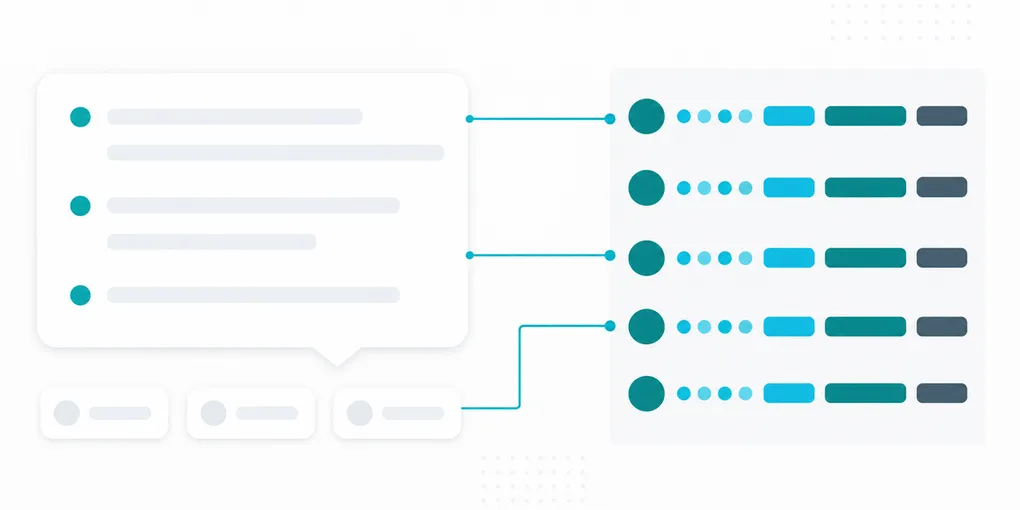
The links inside text_blocks are inline citations tied to a specific sentence or bullet, each an {anchor, link} pair. The anchor is sometimes the name of the thing being cited, like a product name mentioned mid-sentence, and sometimes an empty string when the block links out without naming anything in the anchor text. The top-level references list is broader: every source behind the answer, each with title, link, source (where it’s from) and an index, whether or not that specific source got an inline mention in the text. In our sample, some references links were relative paths and others were complete URLs, straight to a YouTube video for instance, so check the form of link before assuming either one. If you just want the answer text without walking text_blocks yourself, the response also includes a pre-rendered markdown string with the whole answer flattened, though you lose the block-level structure and the separate citation links if you read from that instead. The loop above only branches on paragraph, heading and list; any block type it doesn’t recognize is silently skipped rather than raising, which is deliberate, but worth knowing if a query’s answer ever looks shorter than you expected.
Alongside text_blocks, the response can carry shopping_results, inline_images, local_results and web_results. All four came back as empty lists for this query, which is normal: AI Mode only fills them in when the question calls for a product carousel, a map, or an image strip. Check the length of each before building UI around it, rather than assuming a field is populated just because it’s present in the JSON.
What it costs
/v1/ai is 10 credits per call, the highest of the search endpoints, in line with returning a composed answer rather than a list of results. The free tier’s 500 credits cover 50 calls. On the Scale pack ($99 for 300,000 credits) that’s 30,000 calls, $3.30 per 1,000.
The short version
Read text_blocks for the answer and its inline citations, and references for the full source list, and don’t cache the wording as if it were fixed: it’s Google’s live answer, and it can read differently on a re-run of the same query. Get 500 free credits, no card and see what it says about a topic you already track.